Public Bookings. Let anyone reserve online.
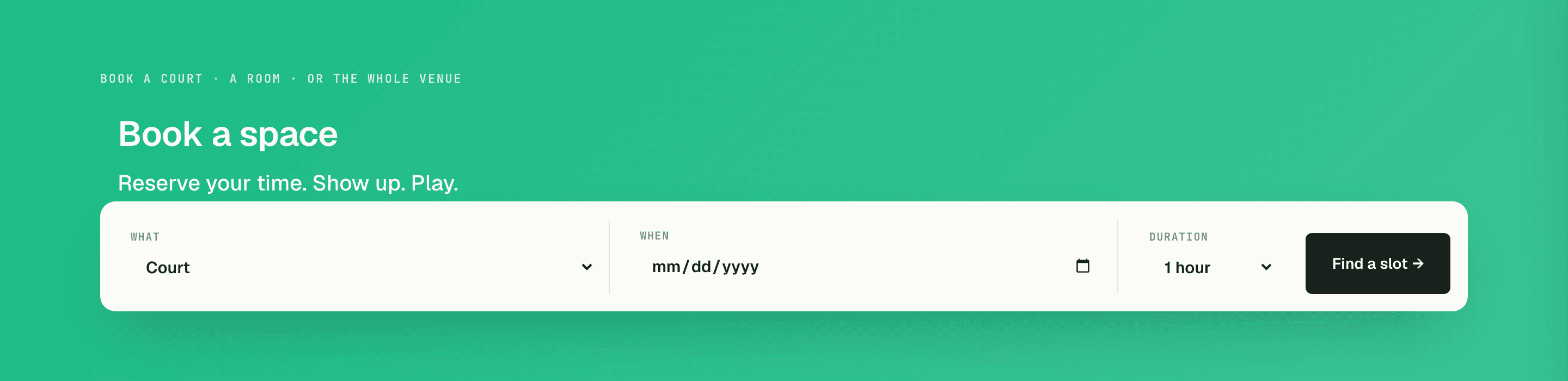
Put your bookable spaces on a public page with live availability. Guests pick a slot, pay, and get a QR pass by email — no account, no phone tag, no double-bookings.
0
double-bookings — availability is computed live
22
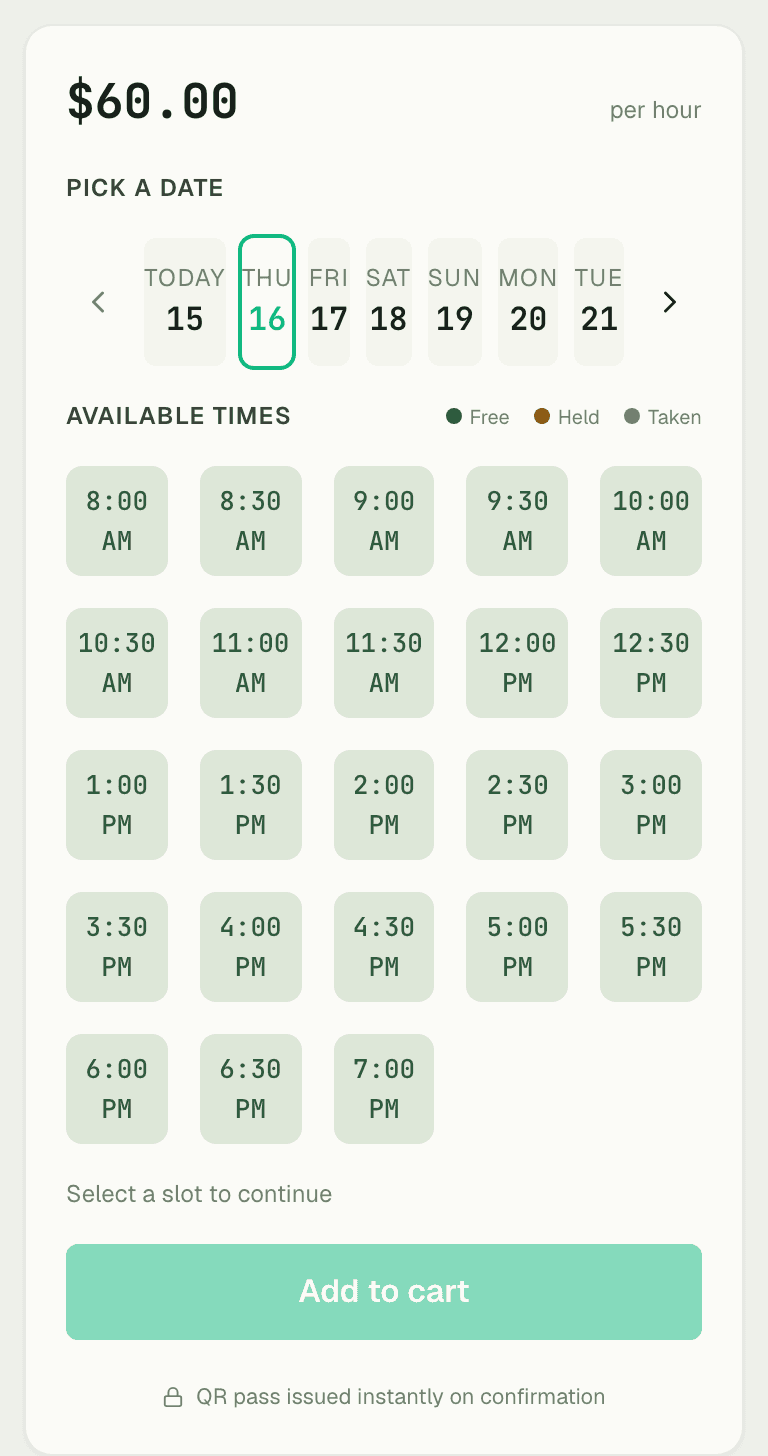
half-hourly slots a day, 8 AM to 7 PM
$10–60
per hour — you set every rate
Capabilities
Everything the module does
Public Bookings exposes your Resource Bookings catalog to the public storefront — anyone can browse available slots and reserve resources without an account. Guests check out with email; confirmations are sent automatically. Requires Website and Resource Bookings to be enabled.
Public booking surface
Public-facing pages listing each bookable resource and its availability.
Resource availability
Real-time slot picker honouring opening hours, buffers, and existing bookings.
Guest checkout
Visitors book without creating an account — name and email are enough.
Confirmation emails
Automatic email confirmations and reminders for every public booking.
01
Availability that can't lie
The slot picker isn't a form that hopes for the best — every open slot is computed live from existing bookings, holds, and buffer rules. If two guests race for the same Tuesday court, one books it and the other sees it gone.
- Live slots computed from bookings, holds, and buffers
- Half-hourly granularity across your opening hours
- What's shown online always matches the schedule inside
02
Pick a slot. Pay. Show up.
Guest checkout means a name and email are enough — no account wall between a customer and a confirmed reservation. Payment confirms the slot instantly, and a confirmation email with a QR pass handles the front door.

03
Every space, priced your way
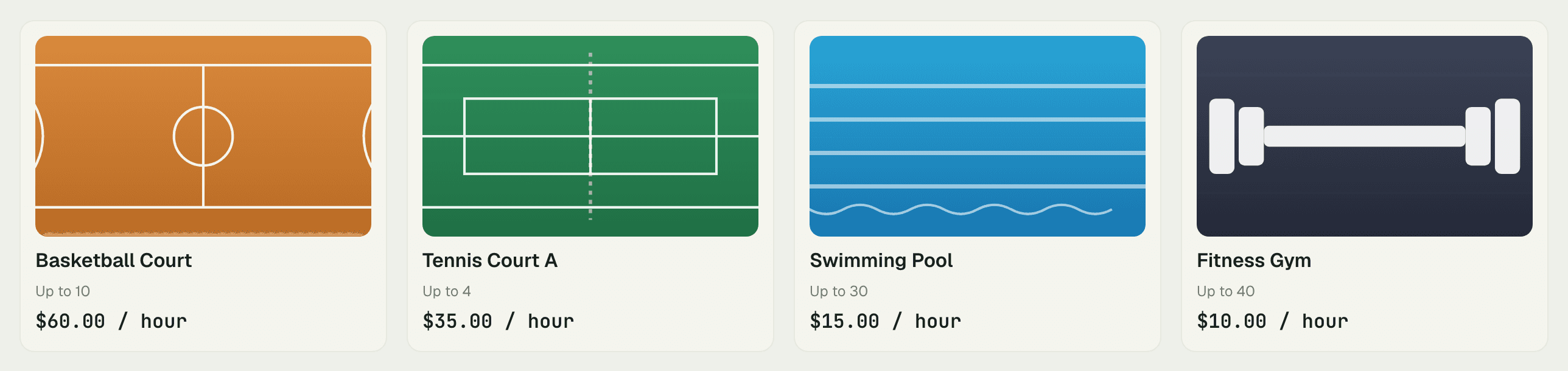
List whatever you rent by the hour with its own rate — Champions Arena runs basketball at $60/hr, tennis at $35/hr, the pool at $15/hr, and the gym at $10/hr on the same page. Rules, hours, and cancellation policy are set per resource in the dashboard.
“Court bookings used to be a phone that never stopped ringing and a whiteboard we argued over. Now people book at midnight, pay up front, and scan in with the QR pass. No-shows basically vanished.”
Dele Okafor
Facility Manager, Champions Arena
FAQ
Common questions
Do customers need an account to book?
No — guest checkout takes a name and email. They get a confirmation email with a QR pass, and the booking appears on your schedule like any other.
How do you prevent double-bookings?
Availability is computed live from existing bookings, holds, and buffer rules every time the slot picker loads. A slot that's taken simply isn't offered.
Can different spaces have different prices and hours?
Yes — every resource carries its own hourly rate, opening hours, slot length, and cancellation policy, all managed from the dashboard.
Works better together
One need, one module
Every module shares the same customers, catalog, and books — switch one on and it plugs into everything you already run.
Switch on Public Bookings today.
It plugs straight into the customers, catalog, and billing you already run on SpaceOS.
Free to start · No credit card required · Cancel anytime