POS. Ring up a sale in seconds.
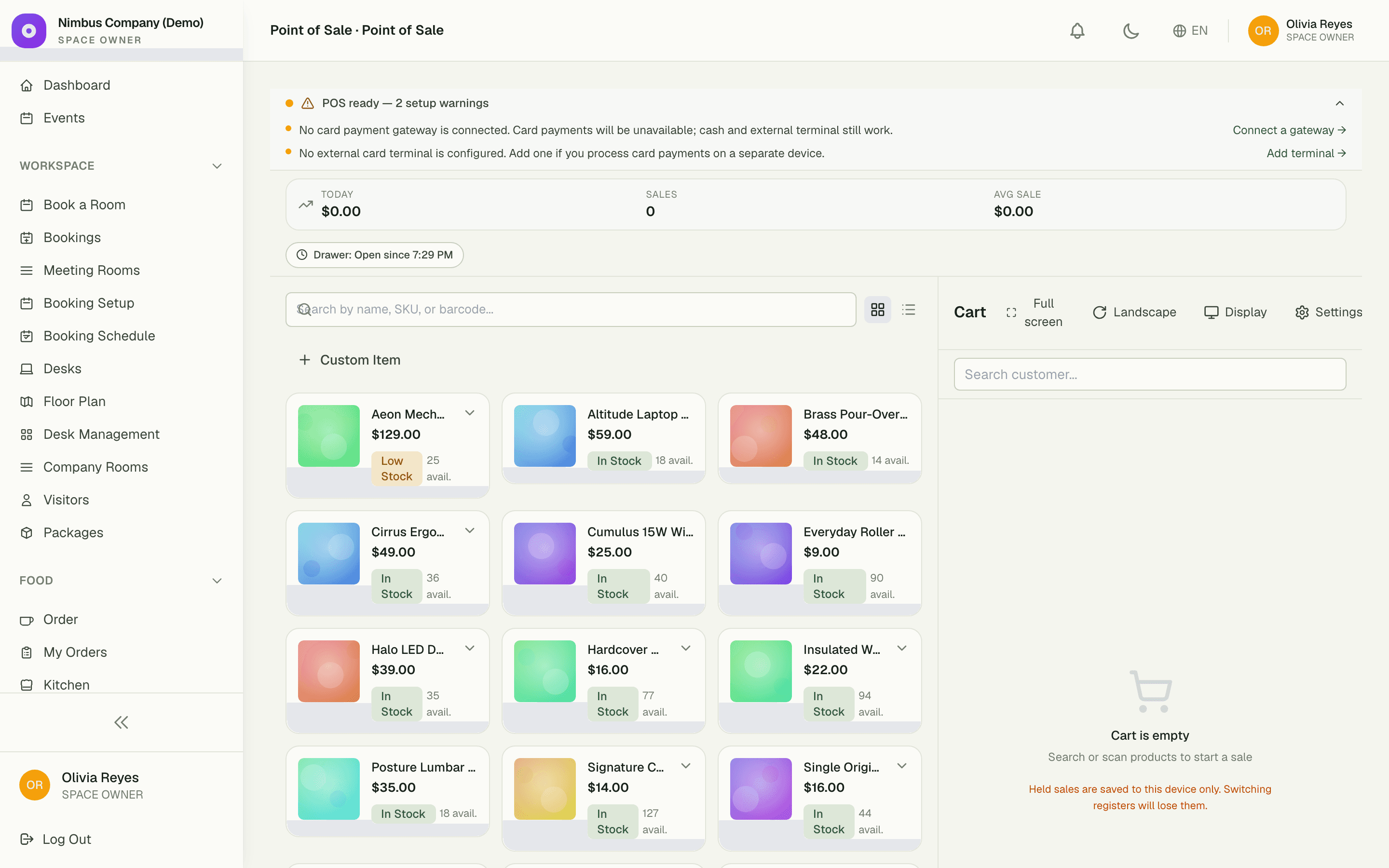
The cash register for retail counters, café tills, and walk-ins. Search a product, build the cart, take payment, hand over the receipt — and inventory decrements itself before the customer reaches the door.
5
ways to take payment — cash, card, terminal, split, credit
0
manual stock updates — every sale decrements inventory
1
tap to hold a cart and ring the next customer
Capabilities
Everything the module does
POS is the cash register for your space — for retail counters, café tills, and any walk-in sales surface. Search products, build a cart, apply discounts, take payment by cash or card, and print or email a receipt. Stock decrements and customer profiles stay in sync automatically.
Sales checkout
Fast product search by name, SKU, or barcode; tap to add to cart.
Order management
Held orders, refunds, partial returns, and end-of-shift summaries.
Discounts
Line-level or order-level discount as a flat amount or percentage, with reason capture.
Receipt generation
Sequentially-numbered receipts with optional email delivery to customers.
Payment tracking
Mix payment methods on one sale (e.g. partial cash + card); reconcile at shift end.
01
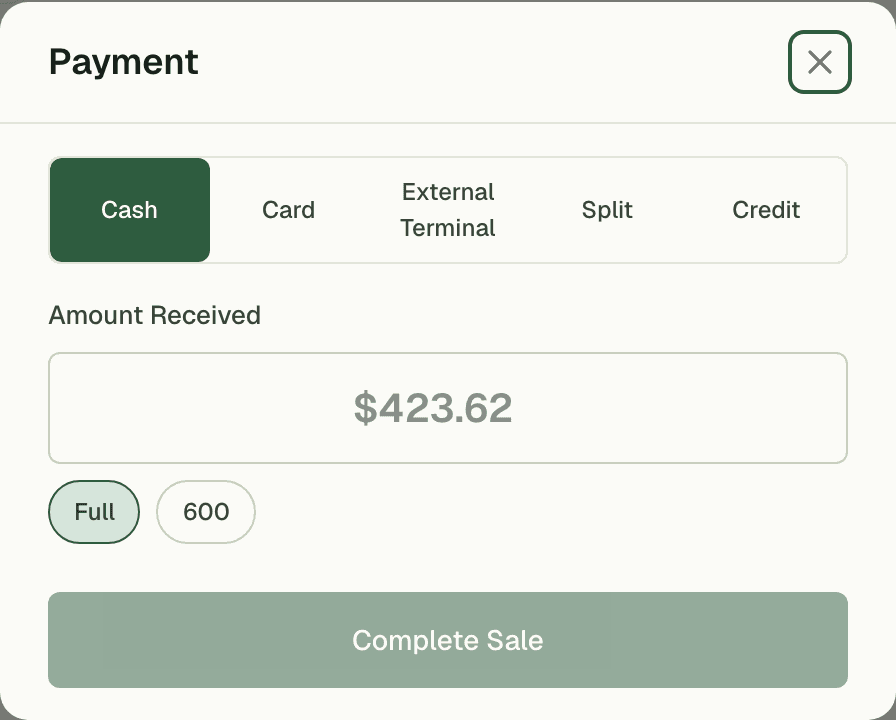
Take money however it arrives
Cash, card, an external terminal, or a split across all three — one sale can mix tenders, and regulars can put it on account credit. However the queue pays, every dollar lands against the right sale, ready to reconcile at shift end.
- Split one sale across multiple tenders
- On-account credit for trusted regulars
- End-of-shift reconciliation by payment method
02
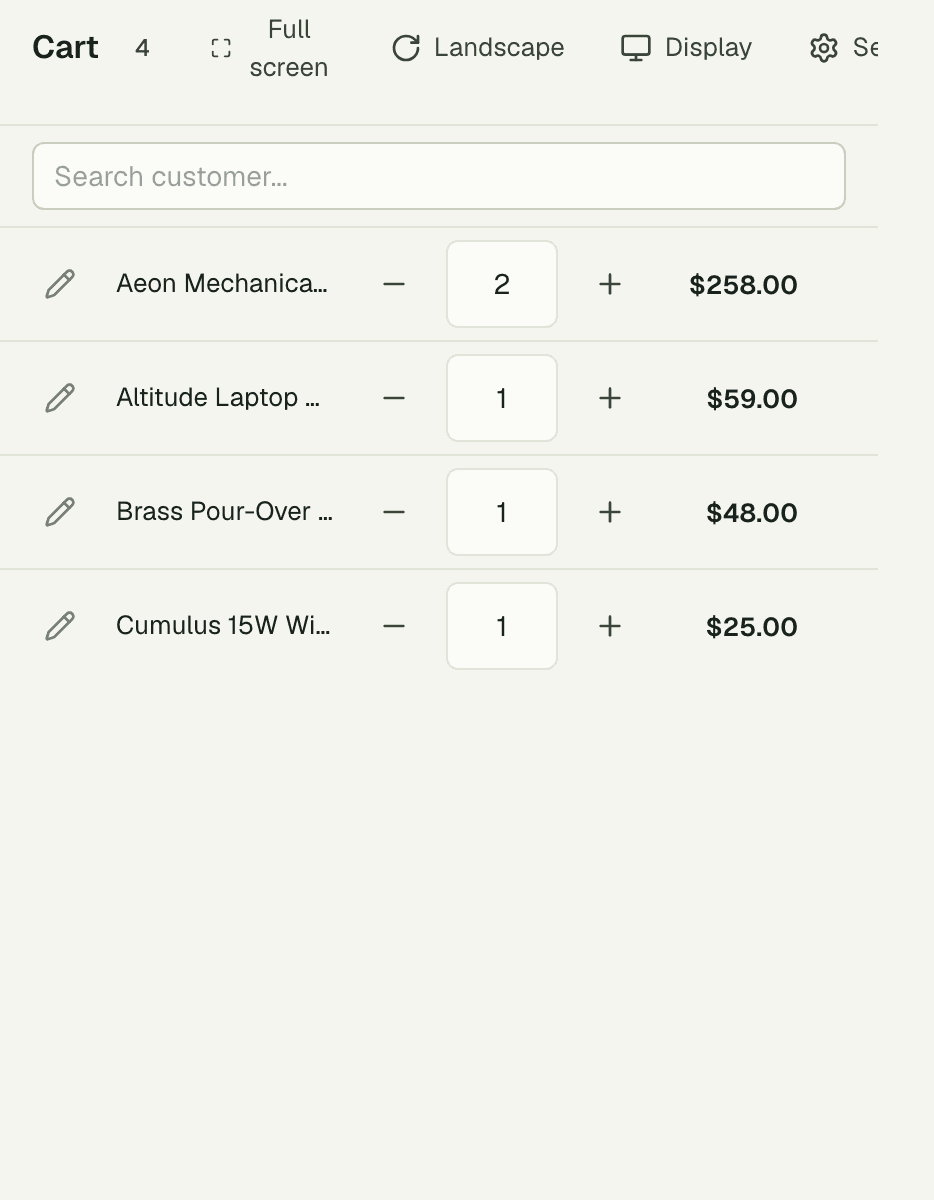
Hold the cart, keep the line moving
A customer runs back for one more item at your weekend pop-up? Hold their cart with a tap, ring up the next three people, then recall it exactly where they left off. Nothing gets re-scanned and nobody waits.
03
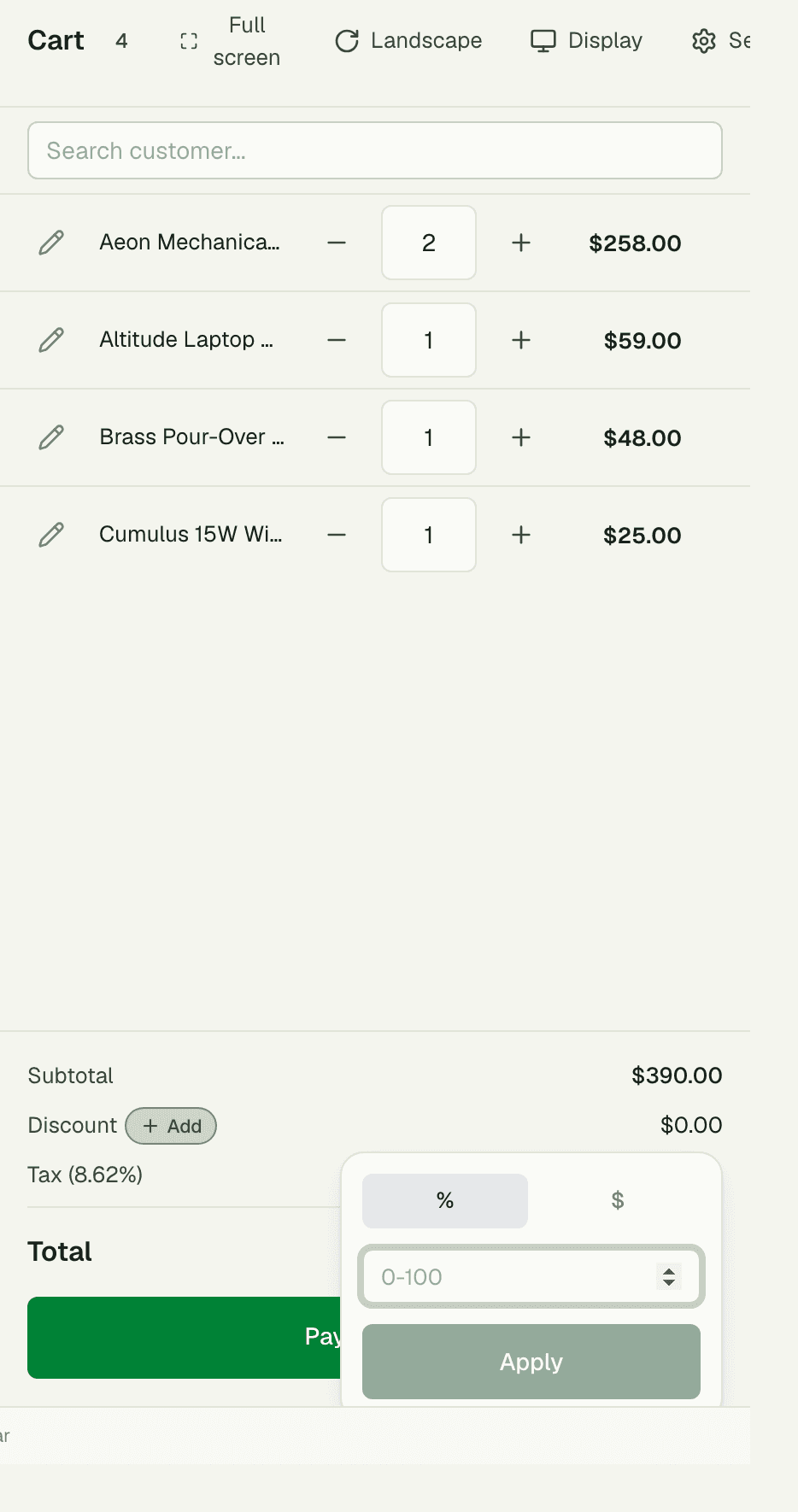
Discounts with a paper trail
Knock a percentage off one line or a flat amount off the whole order — every discount carries a reason, so end-of-day totals explain themselves. The order history keeps each sale, its tenders, and its markdowns reviewable long after the drawer closes.
“Saturday mornings we've got a queue out the door. Held carts and split payments mean the line never stalls — and I stopped counting stock by hand because every sale updates it for me.”
Rob Delaney
Store Manager, The Corner Store
FAQ
Common questions
Does POS update my inventory automatically?
Yes — every completed sale decrements stock for the exact variants sold, in real time. The register and the shelf never drift apart.
Can one customer pay with more than one method?
Yes. Split a single sale across cash, card, and an external terminal in any combination, or put part of it on account credit. Each tender is tracked separately for shift-end reconciliation.
What happens at the end of a shift?
Pull the shift summary: sales by payment method, discounts given, and held or refunded orders. Count the drawer against it and you're reconciled in minutes.
Works better together
One need, one module
Every module shares the same customers, catalog, and books — switch one on and it plugs into everything you already run.
Switch on POS today.
It plugs straight into the customers, catalog, and billing you already run on SpaceOS.
Free to start · No credit card required · Cancel anytime