Customers. Know who buys from you.
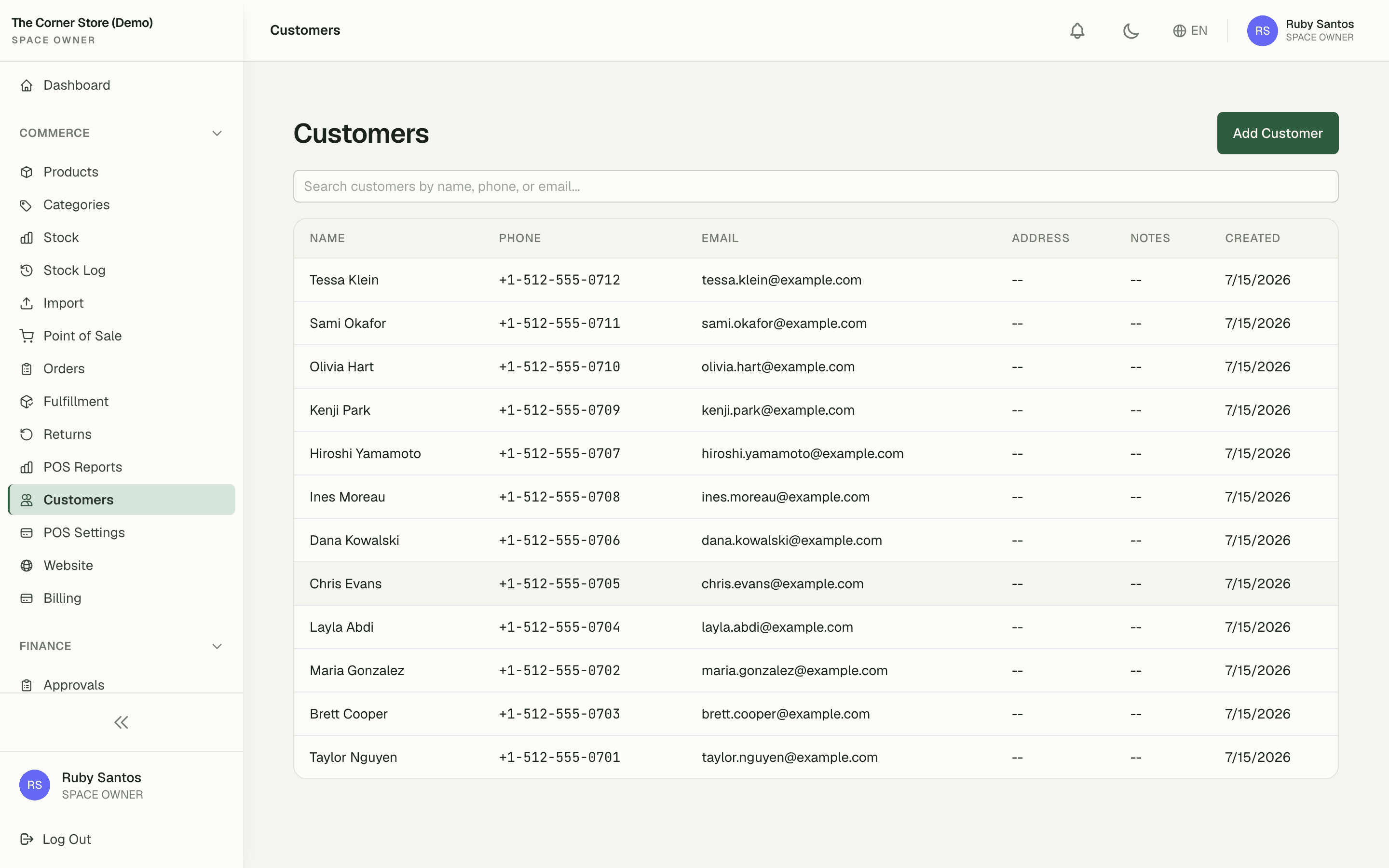
The address book for walk-ins, regulars, and members. Look anyone up by name or phone in seconds — their purchase history and unpaid invoices are already attached, and their lifetime value is right on the profile.
2s
to find any customer by name or phone
5
aging buckets — Total Due, 0-30, 31-60, 61-90, 91+
1
field needed to capture a walk-in at the counter
Capabilities
Everything the module does
Customers is the address book for everyone who buys from your space — walk-ins, regulars, and company members alike. Capture contact details at checkout, see lifetime purchase history, and let staff find a customer by name or phone in seconds.
Customer profiles
Name, phone, email, optional company link, and notes.
Contact management
Edit and merge duplicate profiles with audit history.
Purchase history
Every POS sale and outstanding invoice attached to the customer.
Outstanding balances
At-a-glance view of customers who owe money, sorted by amount or age.
Quick-create
Add a new customer mid-checkout without leaving the POS screen.
01
History that attaches itself
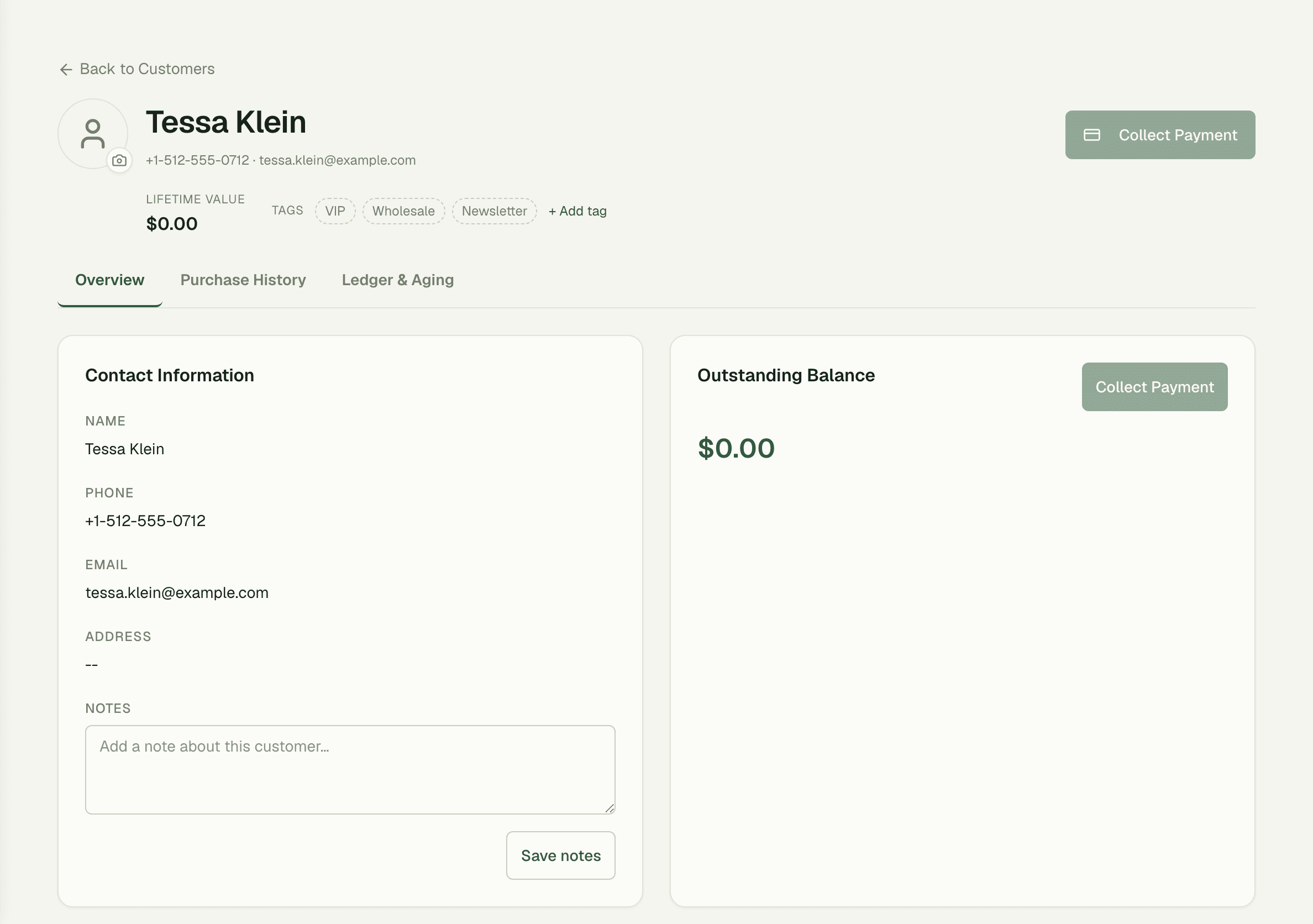
Nobody files anything. Every POS sale and every unpaid invoice attaches to the customer automatically, so opening a profile shows what they've bought, what they owe, and what they're worth to you over their lifetime — without a single manual entry.
- Every purchase logged against the profile automatically
- Unpaid invoices surfaced right where you look someone up
- Lifetime value calculated on the profile, always current
02
See who owes, and for how long
Receivables sort themselves into aging buckets — Total Due, 0-30, 31-60, 61-90, and 91+ days — so the polite reminder and the firm phone call go to the right people. No spreadsheet exports, no guessing which balance is getting stale.

03
Capture a regular mid-queue
A busy counter is no place for a long form. Name-only fast capture creates the profile in one field while you ring the sale; phone and email can wait for their next visit. Regulars become known customers without ever slowing the line.
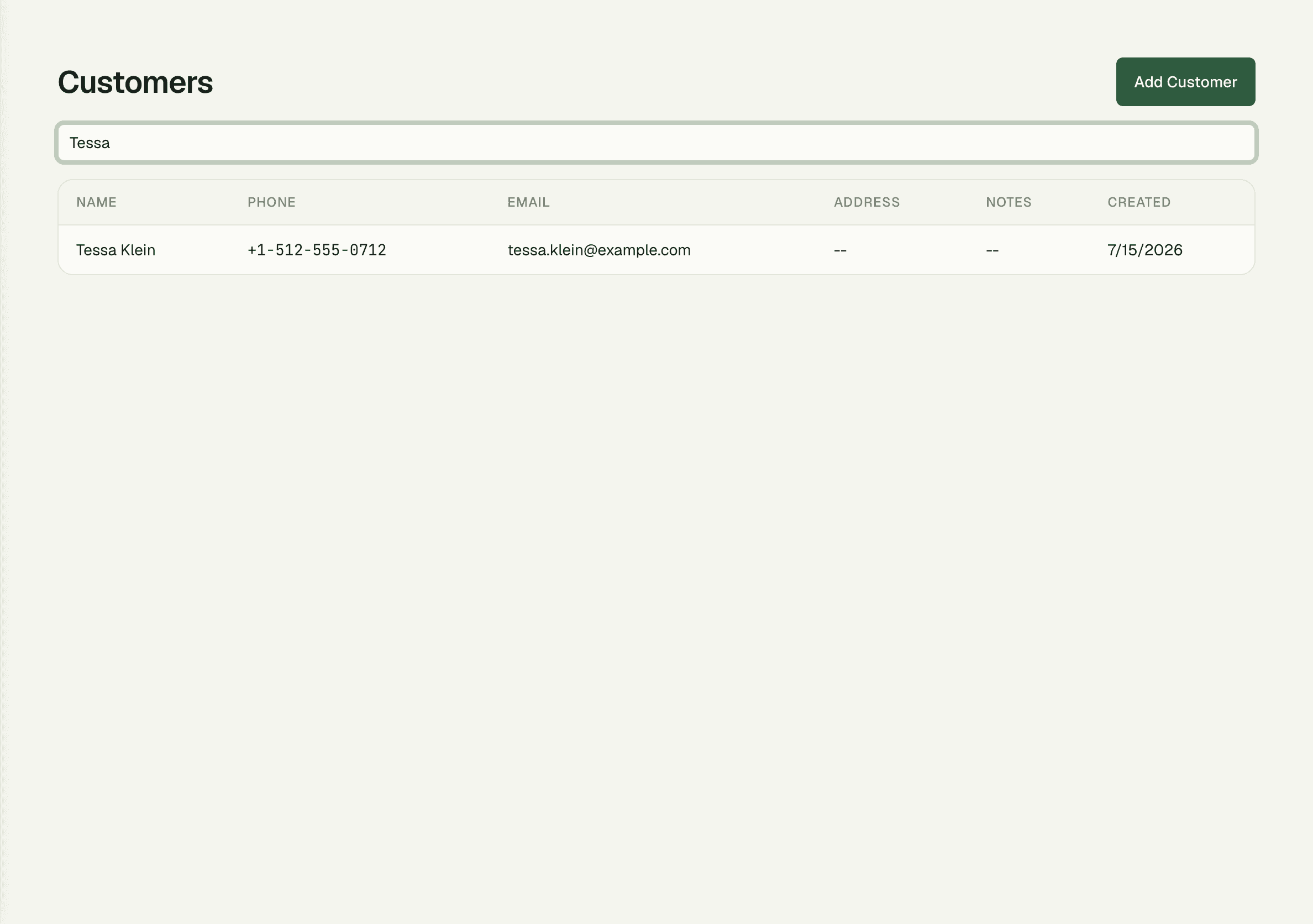
“When a regular calls to book a table, we pull them up by phone number before they finish saying their name. Their whole history is right there — including the tab from last month they forgot about.”
Priya Raman
Front of House Manager, Flame & Fork
FAQ
Common questions
Do I have to fill in a full form to add a customer?
No — name-only fast capture creates a profile in one field, right at the counter. Add phone, email, and notes later whenever there's a quieter moment.
How do I see which customers owe money?
The aging view groups every outstanding balance into Total Due, 0-30, 31-60, 61-90, and 91+ day buckets, so you always know which balances need a nudge and which need a call.
Is purchase history added manually?
Never. POS sales and invoices attach to the customer automatically at the moment they happen, and lifetime value on the profile updates with them.
Works better together
One need, one module
Every module shares the same customers, catalog, and books — switch one on and it plugs into everything you already run.
Switch on Customers today.
It plugs straight into the customers, catalog, and billing you already run on SpaceOS.
Free to start · No credit card required · Cancel anytime