Expenses. Every dollar out, on the ledger.
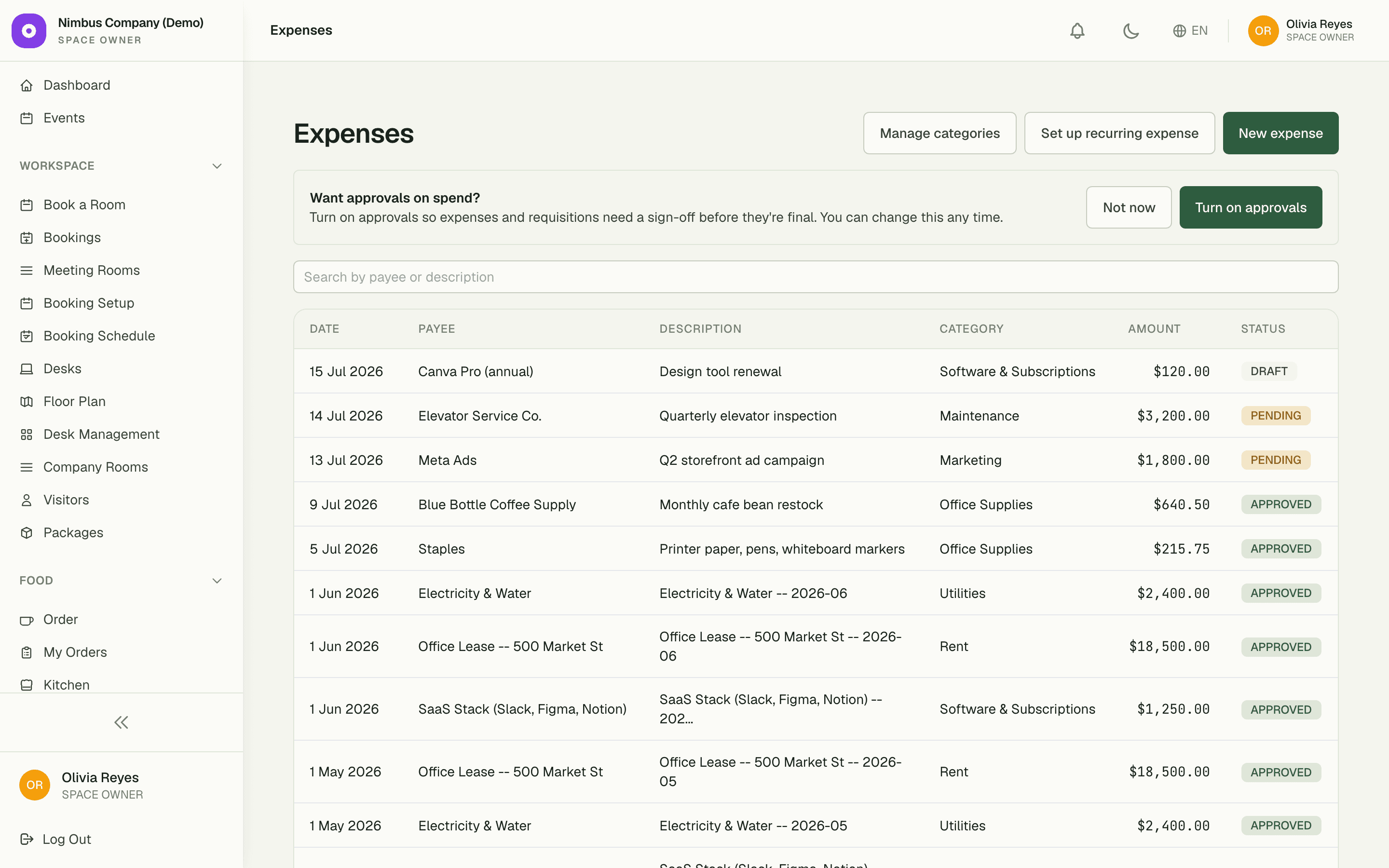
Log one-off purchases in seconds and let recurring fixed costs post themselves on schedule. Exact-decimal storage means the month-end total reconciles to the cent — no drift, no mystery rounding.
$0.00
rounding drift — exact decimals
6
ready-made expense categories
1x
enter a recurring cost, ever
Capabilities
Everything the module does
Expenses gives your space a structured ledger for money going out — recurring fixed costs (rent, utilities, subscriptions) and one-off purchases alike. Recurring items generate automatically on a flexible schedule (weekly, monthly, quarterly, or custom), so the books stay current without manual re-entry. Amounts are stored with full decimal precision for accurate reporting.
Recurring expenses
Define fixed costs once on a flexible schedule; instances generate automatically each period.
One-off expenses
Log ad-hoc purchases and petty-cash spend against the space.
Decimal precision
Money is stored as exact decimals and rounded once at posting, so totals never drift.
Approval-ready
Expenses flow into the shared approval workflow when it is enabled.
01
Fixed costs post themselves
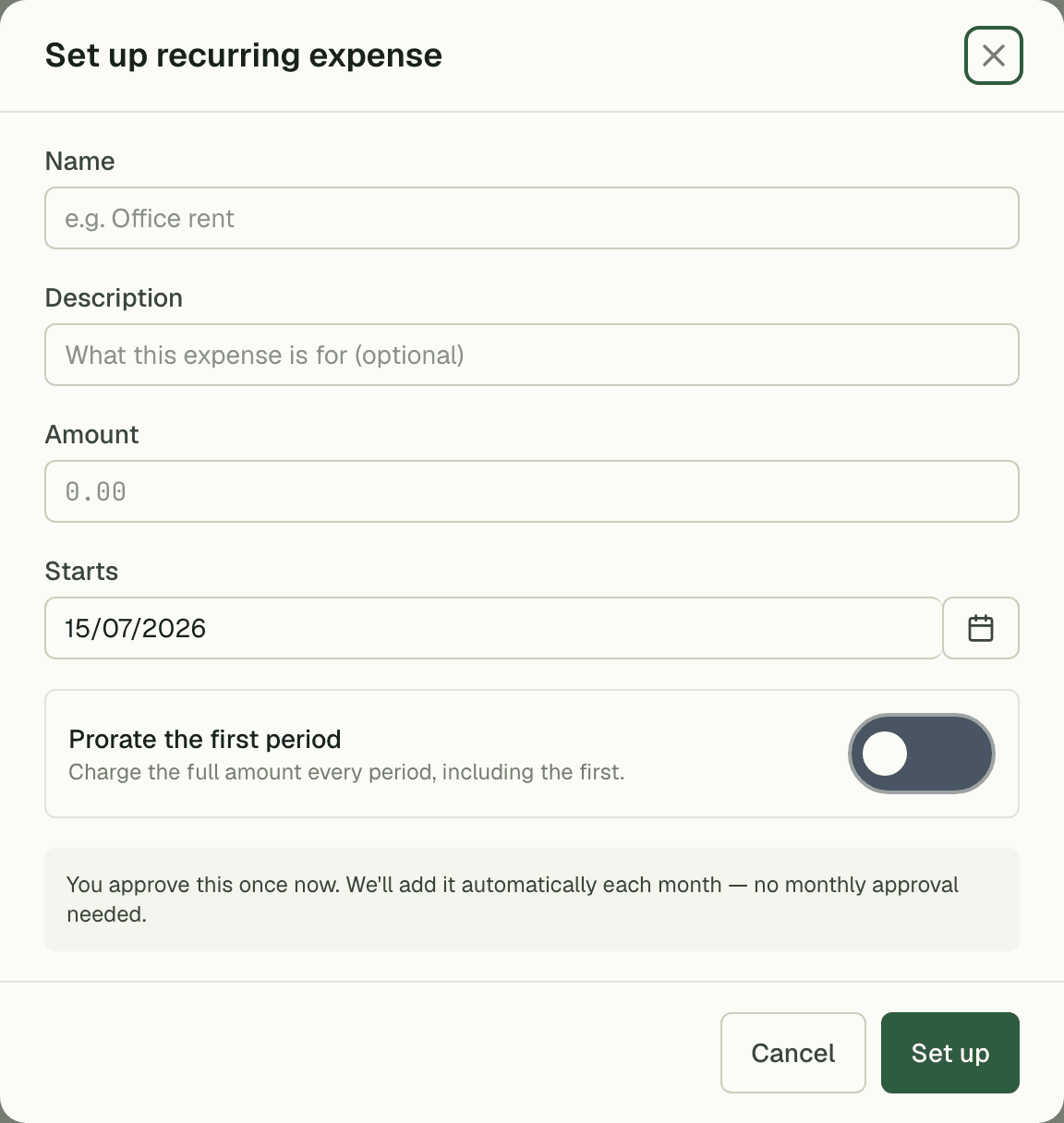
Enter rent, utilities, or a software subscription once with its schedule, and the ledger generates each period's entry automatically — no calendar reminders, no re-typing the same $18,500 rent line every month. The books stay current even in weeks nobody opens them.
- Weekly, monthly, quarterly, or custom schedules
- Each generated entry lands as its own ledger line
- Edit the template once; future periods follow
02
Petty cash, finally accounted for
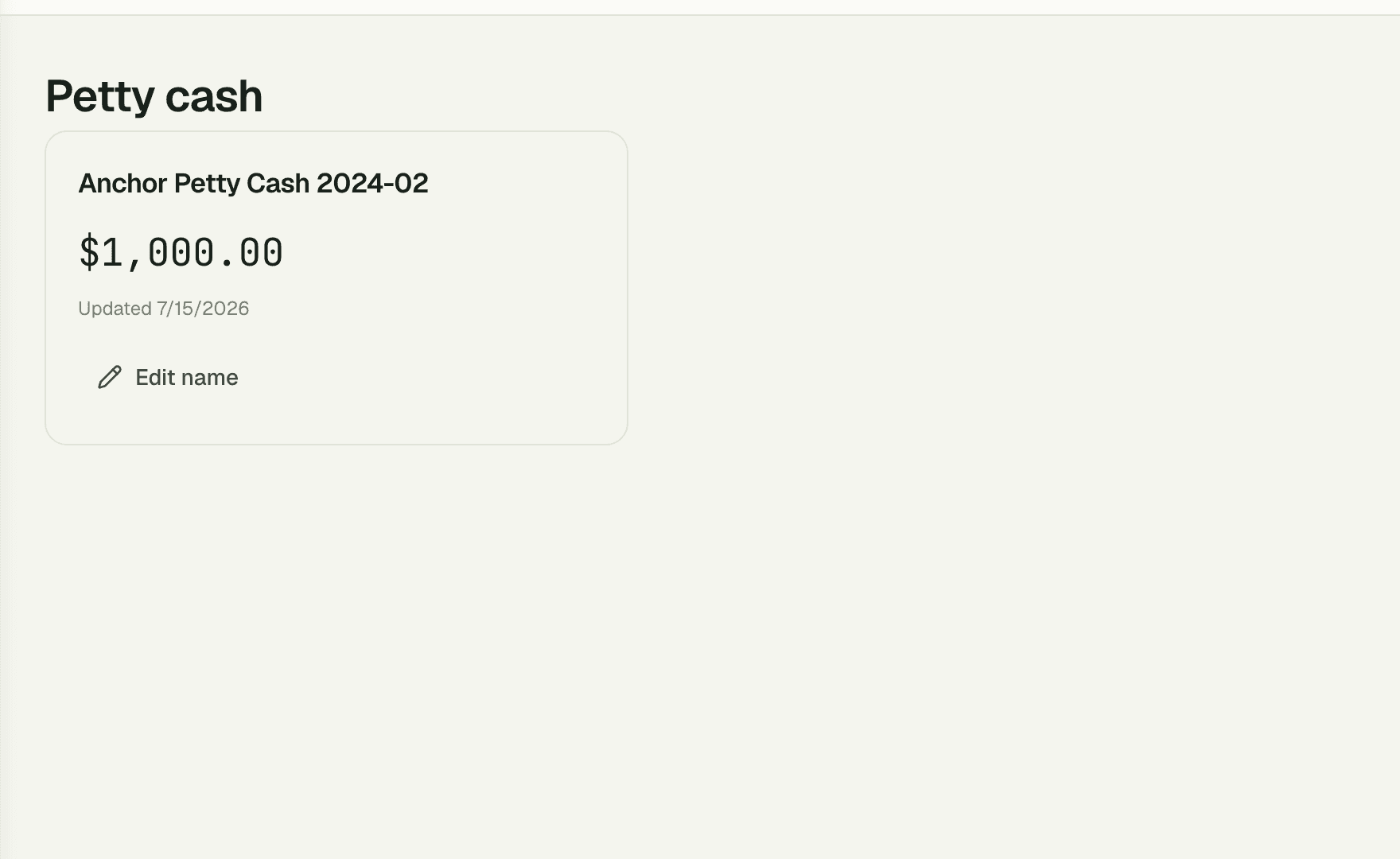
Run a petty cash fund with a tracked balance — the demo space keeps a $1,000 float — and log every small spend against it. The drawer total and the ledger agree by construction, so no one is reconstructing coffee runs from memory at month end.
03
Approval when you want it
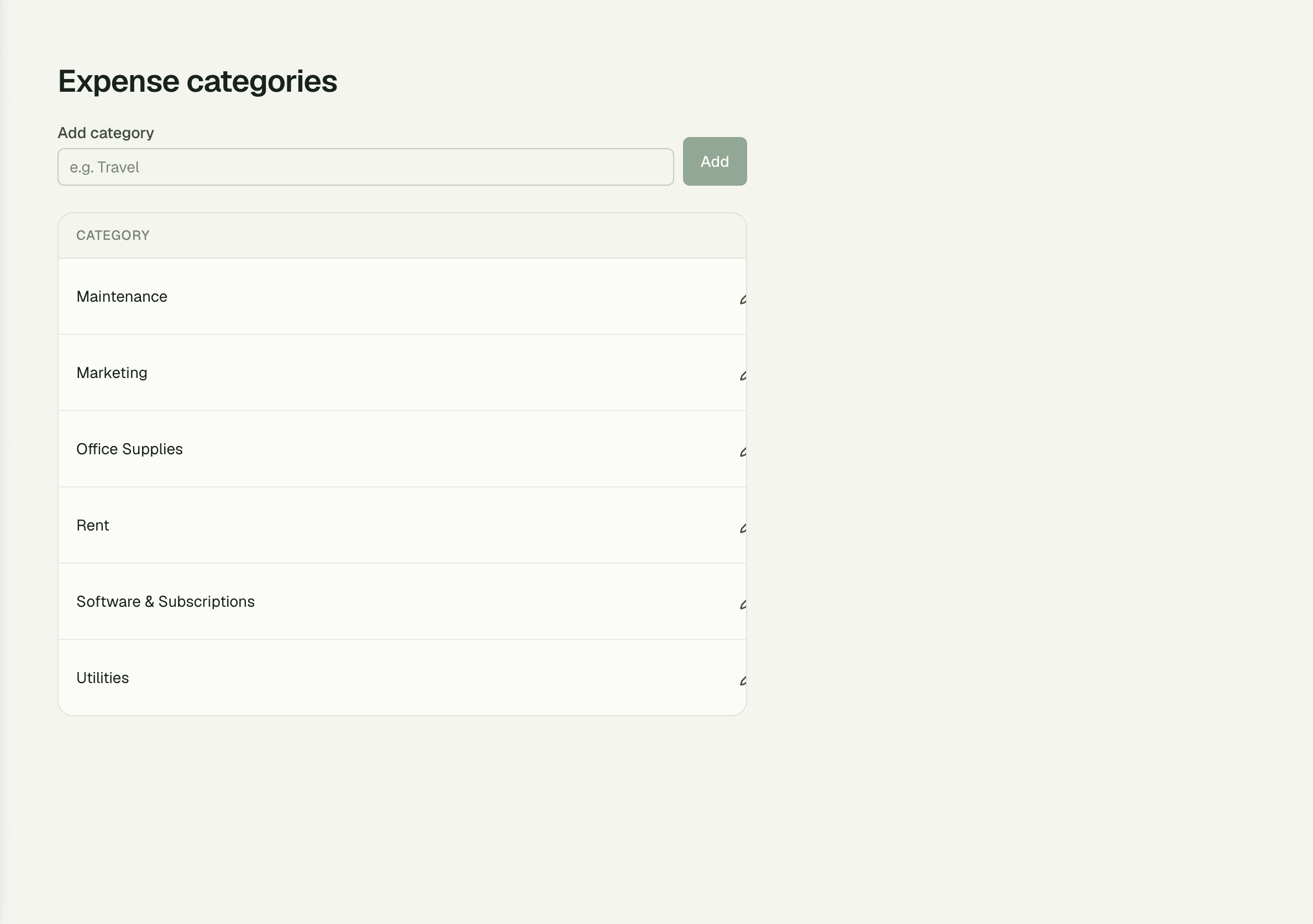
Approval workflow is a toggle, not a mandate. Leave it off and expenses save as final for a small trusted team; switch it on and every entry waits for a sign-off before it hits the books. Categories from Maintenance to Software & Subscriptions keep reporting clean either way.
- Toggle off: entries save as final instantly
- Toggle on: sign-off required before posting
- Six categories: Maintenance, Marketing, Office Supplies, Rent, Software & Subscriptions, Utilities
“Rent, flour suppliers, the oven service contract — it all posts itself now. At month end the ledger matches the bank to the cent, and I stopped keeping a shoebox of receipts.”
Rosa Delgado
Owner, Golden Crust Bakery
FAQ
Common questions
Do I have to use the approval workflow?
No — it's optional. With approvals off, expenses save as final the moment you enter them. Turn the toggle on and every expense waits for a sign-off before it posts.
How do recurring expenses work?
Define a fixed cost once with its schedule — weekly, monthly, quarterly, or custom — and an entry generates automatically each period. Edit or stop the template any time.
Why do the totals never drift?
Amounts are stored as exact decimals and rounded once at posting, not on every calculation. Whether an entry is $120 or $18,500, the monthly total reconciles to the cent.
Works better together
One need, one module
Every module shares the same customers, catalog, and books — switch one on and it plugs into everything you already run.
Switch on Expenses today.
It plugs straight into the customers, catalog, and billing you already run on SpaceOS.
Free to start · No credit card required · Cancel anytime