Meeting Rooms. Book a room in seconds.
Reserve dedicated rooms for huddles, calls, and presentations. Members see real-time availability and book in a few taps — admins set the rules once and never referee a double-booking again.
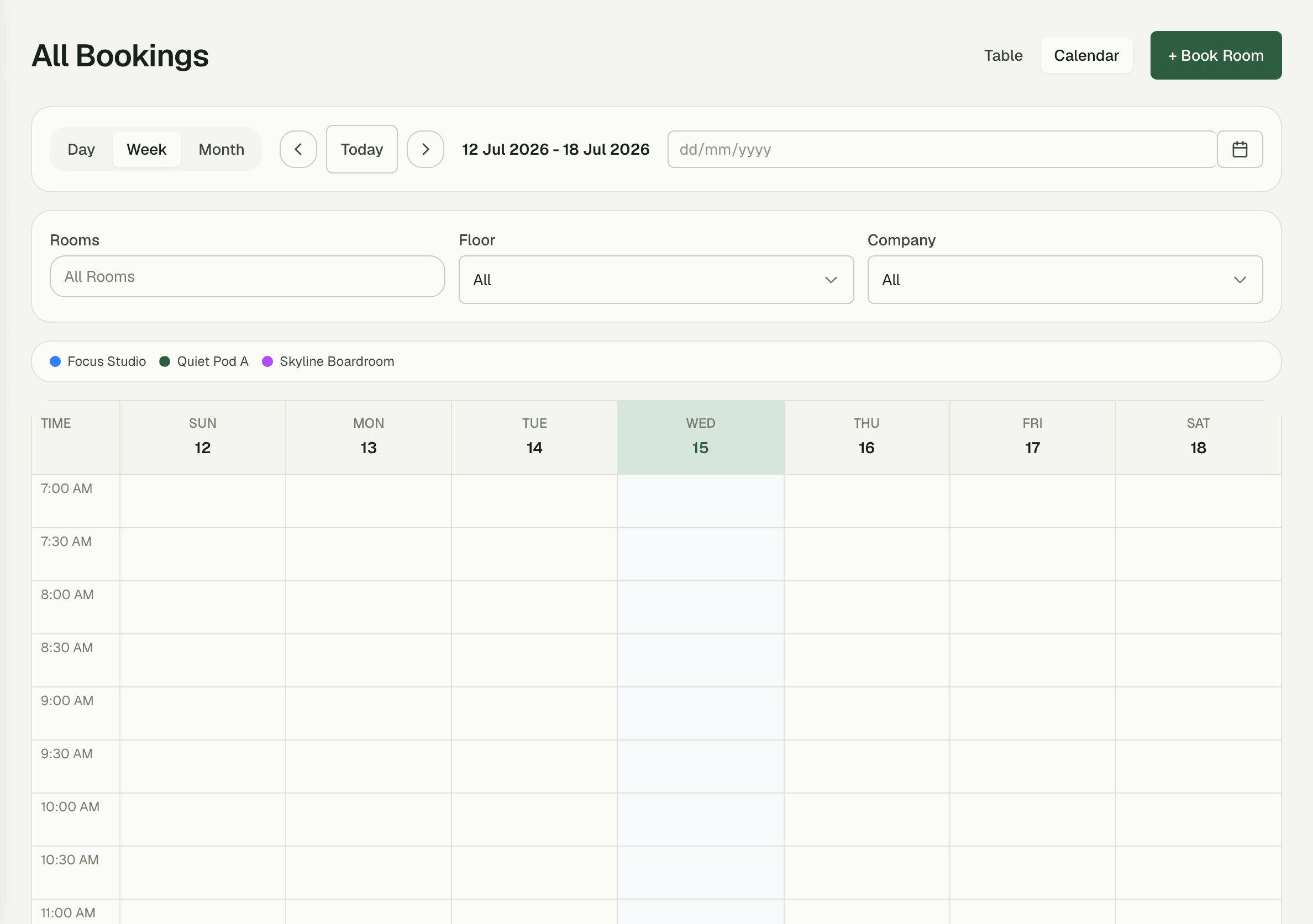
0
double-bookings, ever
30s
display refresh on room tablets
$0
add-on cost — included in core
Capabilities
Everything the module does
Meeting Rooms lets your members reserve dedicated rooms for huddles, calls, and presentations. Admins set up each room's capacity, amenities, and pricing rules; members see real-time availability and book in seconds. Pair it with Room Displays to show the day's schedule on a tablet outside each door.
Room inventory
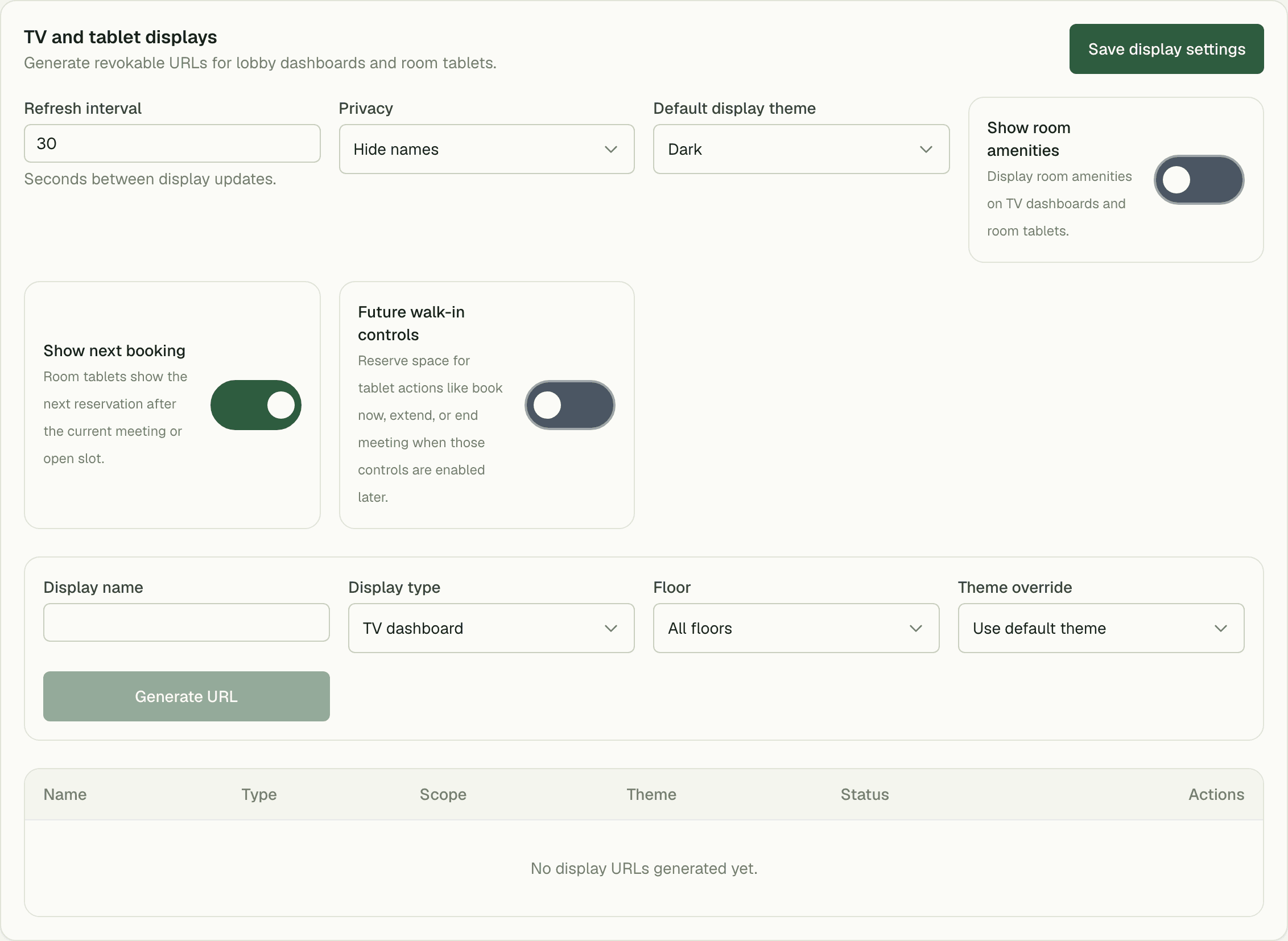
Catalog every meeting room with capacity, amenities, hourly rate, and access rules.
Availability checks
Real-time conflict detection across timezones, with configurable buffer time between bookings.
Bookings
Members reserve rooms from the schedule view; admins can override, extend, or cancel on their behalf.
Room displays
Tablet-friendly screens outside each room showing the current and next bookings.
Booking quotas
Per-package limits on how many hours a company can book each month.
Cancellation rules
Penalty windows and no-show handling configured per space.
01
No double-bookings. Not once.
Real-time conflict detection runs across timezones with configurable buffer time between meetings, so back-to-backs never collide and cleaning crews get their window. Booking quotas cap each company's monthly hours automatically.
- Configurable buffer time between bookings
- Per-package monthly hour quotas
- Penalty windows and no-show handling per space
02
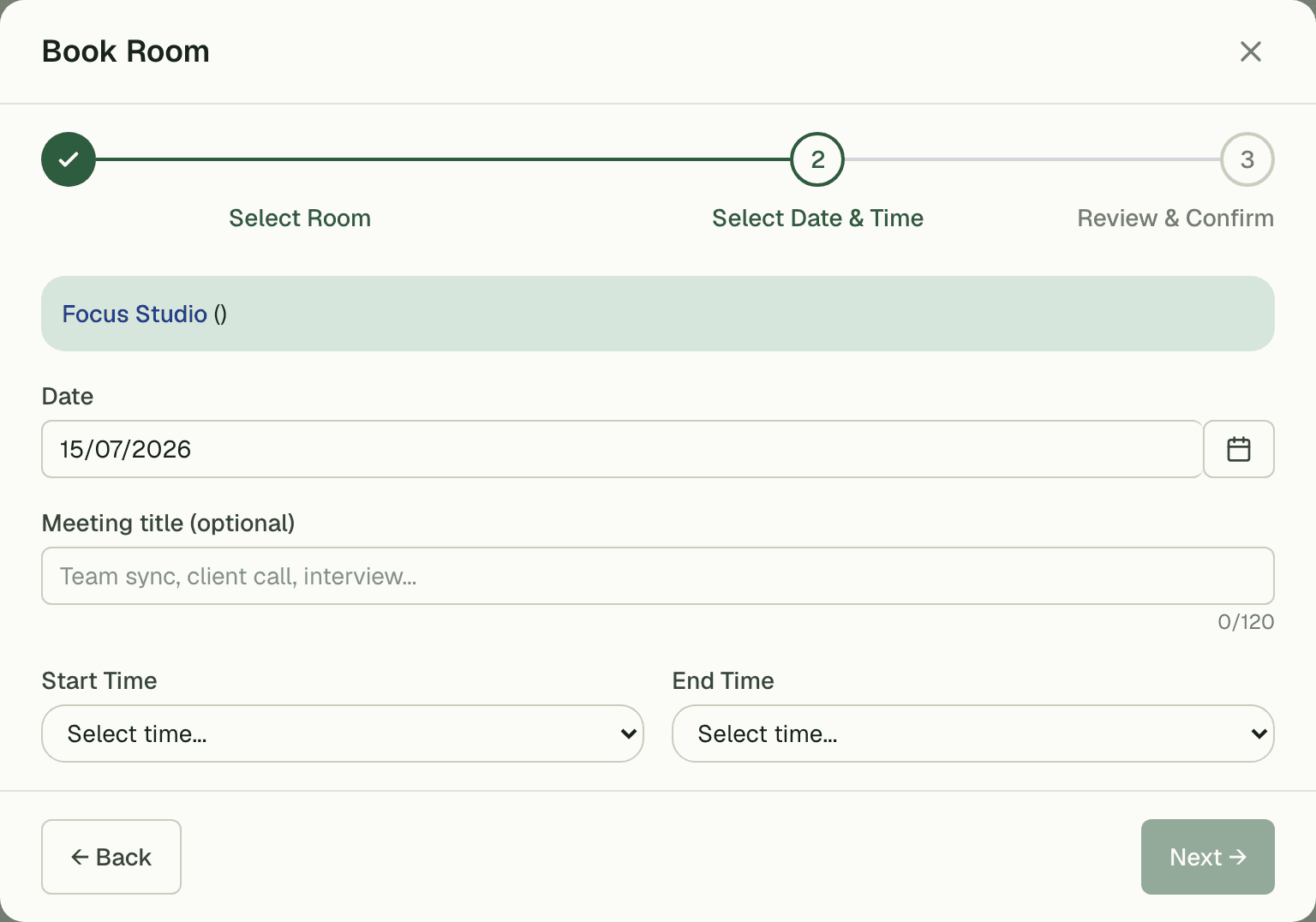
Room displays, included
Put a tablet outside every door. Displays show the current and next booking off the same live data as the schedule — no separate signage subscription, no stale printouts taped to the glass.
03
Every room, cataloged
Capacity, amenities, hourly rate, and access rules on every room — from a two-person quiet pod to the fourteen-seat boardroom. Members filter by what they need and book from the schedule view; admins can override, extend, or cancel on their behalf.
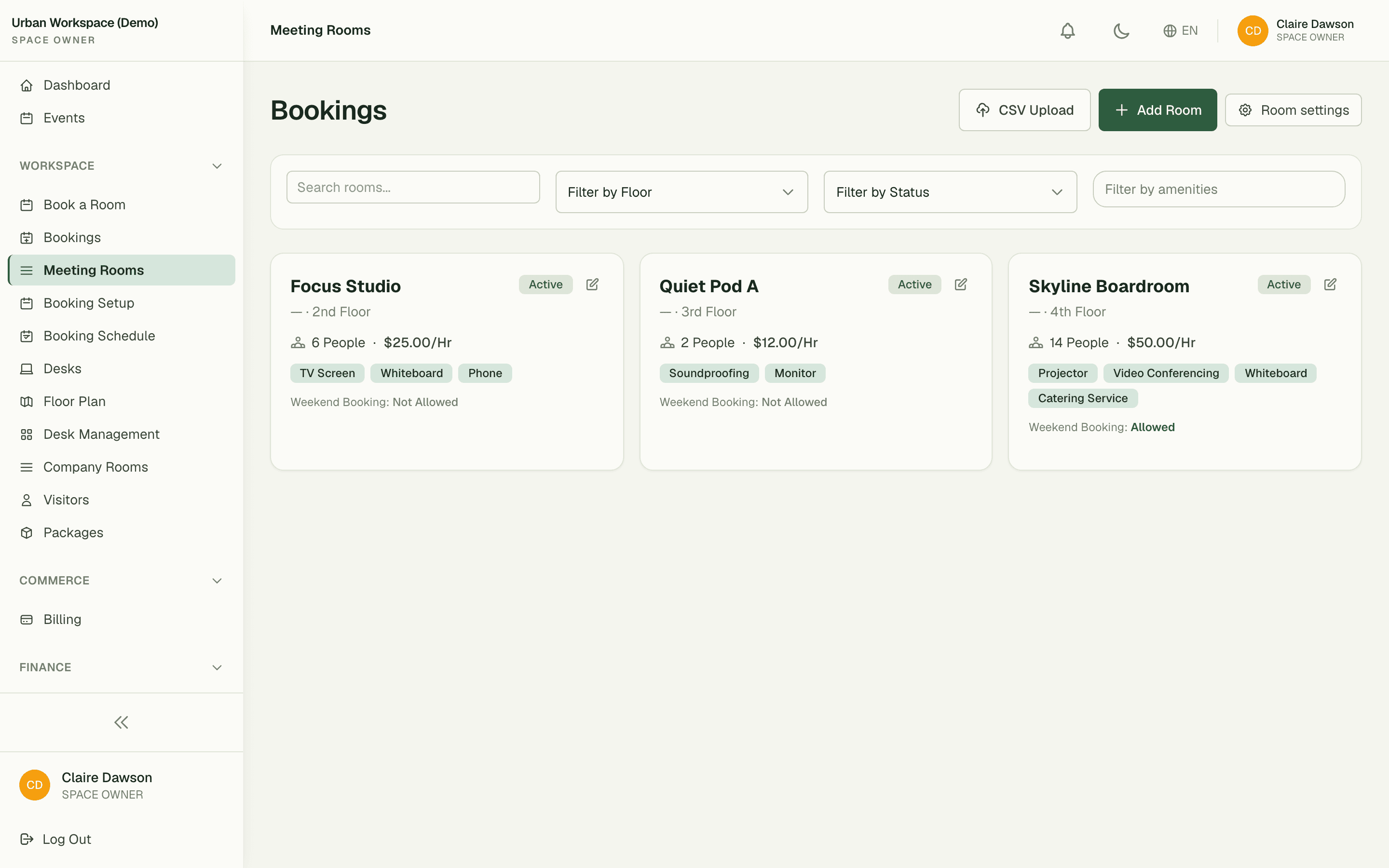
“We deleted the shared spreadsheet the week we switched on Meeting Rooms. Members book themselves now, and the front desk got two hours of their day back.”
Maya Chen
Community Lead, Nimbus Coworking
FAQ
Common questions
Can members book rooms themselves?
Yes — members see live availability and book from the schedule view. Admins can always override, extend, or cancel on their behalf.
How do booking quotas work?
Each package can include a monthly meeting-hour quota. Bookings draw down the quota automatically, and overage can be billed through the Billing module.
Do I need extra hardware for room displays?
Any tablet with a browser works. Displays read the same live schedule and refresh every 30 seconds.
Works better together
One need, one module
Every module shares the same customers, catalog, and books — switch one on and it plugs into everything you already run.
Switch on Meeting Rooms today.
It plugs straight into the customers, catalog, and billing you already run on SpaceOS.
Free to start · No credit card required · Cancel anytime